3D Space Navigator
April 16, 2008 · 74 views · 0 comments
Nearby In Time
 Deadline passed, assett server acting up
April 12, 2008
Deadline passed, assett server acting up
April 12, 2008
 Back on the grid
April 15, 2008
Back on the grid
April 15, 2008
 Get Link Position
April 15, 2008
Get Link Position
April 15, 2008
 To Sit or Stand? Why not both?
April 16, 2008
To Sit or Stand? Why not both?
April 16, 2008
 3D Space Navigator
April 16, 2008
3D Space Navigator
April 16, 2008
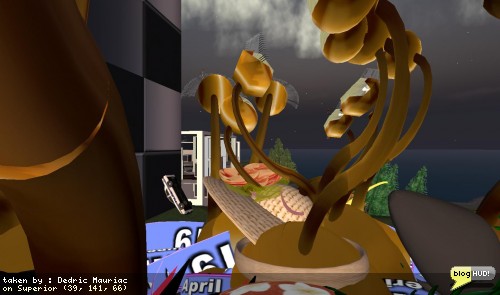 The Great Snail Race
April 19, 2008
The Great Snail Race
April 19, 2008
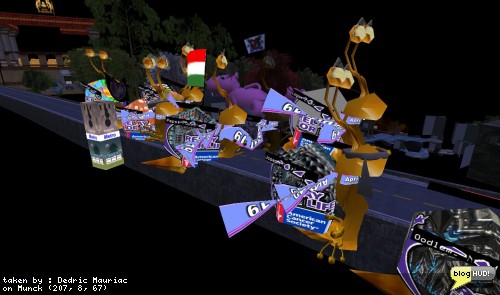 The worst thing about snail races
April 19, 2008
The worst thing about snail races
April 19, 2008
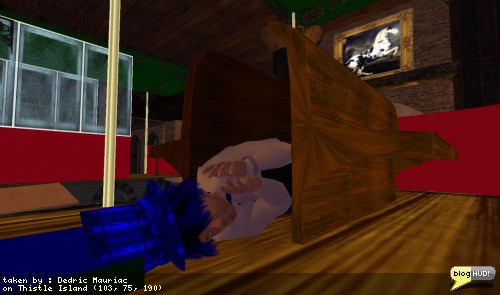 Nappin' on the job
April 28, 2008
Nappin' on the job
April 28, 2008
 Th OSRAM Million Dollar Idea
April 29, 2008
Th OSRAM Million Dollar Idea
April 29, 2008
About
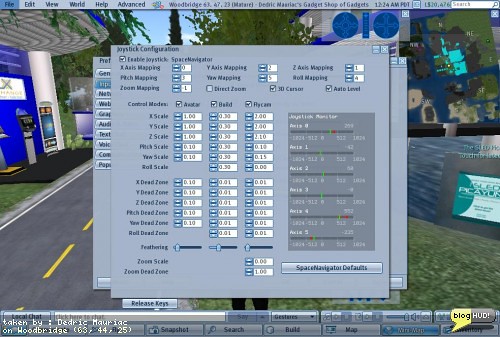
I brought the old navigator back out for a spin with Second Life's latest release candidate. I went to the Input & Camera tab and clicked on Joystick Setup. Once I clicked the "Space Navigator Defaults" button, my camera was constantly turning left. It turns out that the Pitch and Yaw dead zones were set pretty low (0.01 and 0.02). All other settings were at 0.10. Bumping this up to 10 as well made it easier to deal with. Rolling left and right seem to have the same effect of rolling back and forth. I think I need to make some more adjustments and get this working properly. As always, it is best to use the navigator in your left hand, and the mouse in your right. You can use both together. From Dedric Mauriac via blogHUD.com